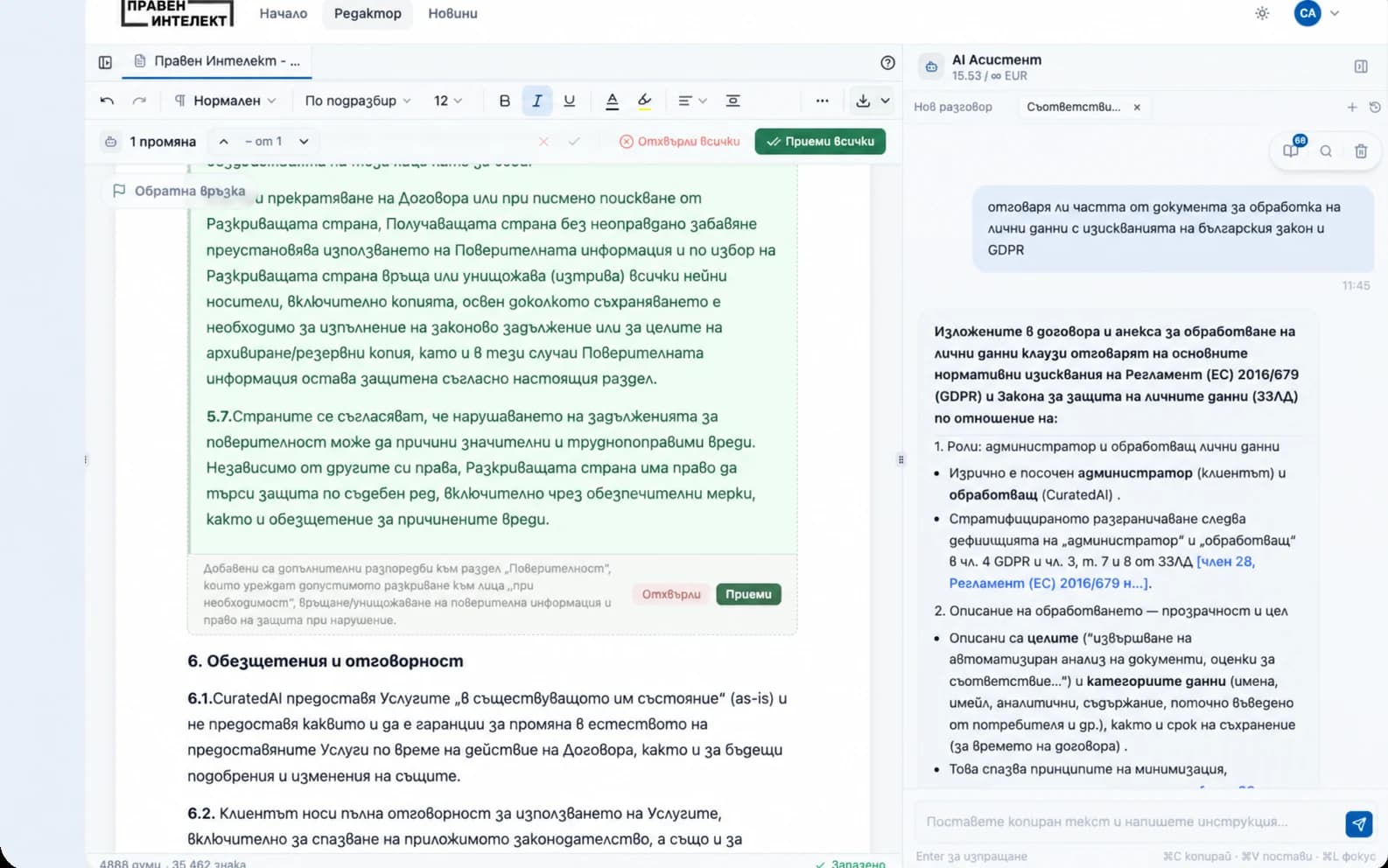
Your AI legal assistant at your fingertips!
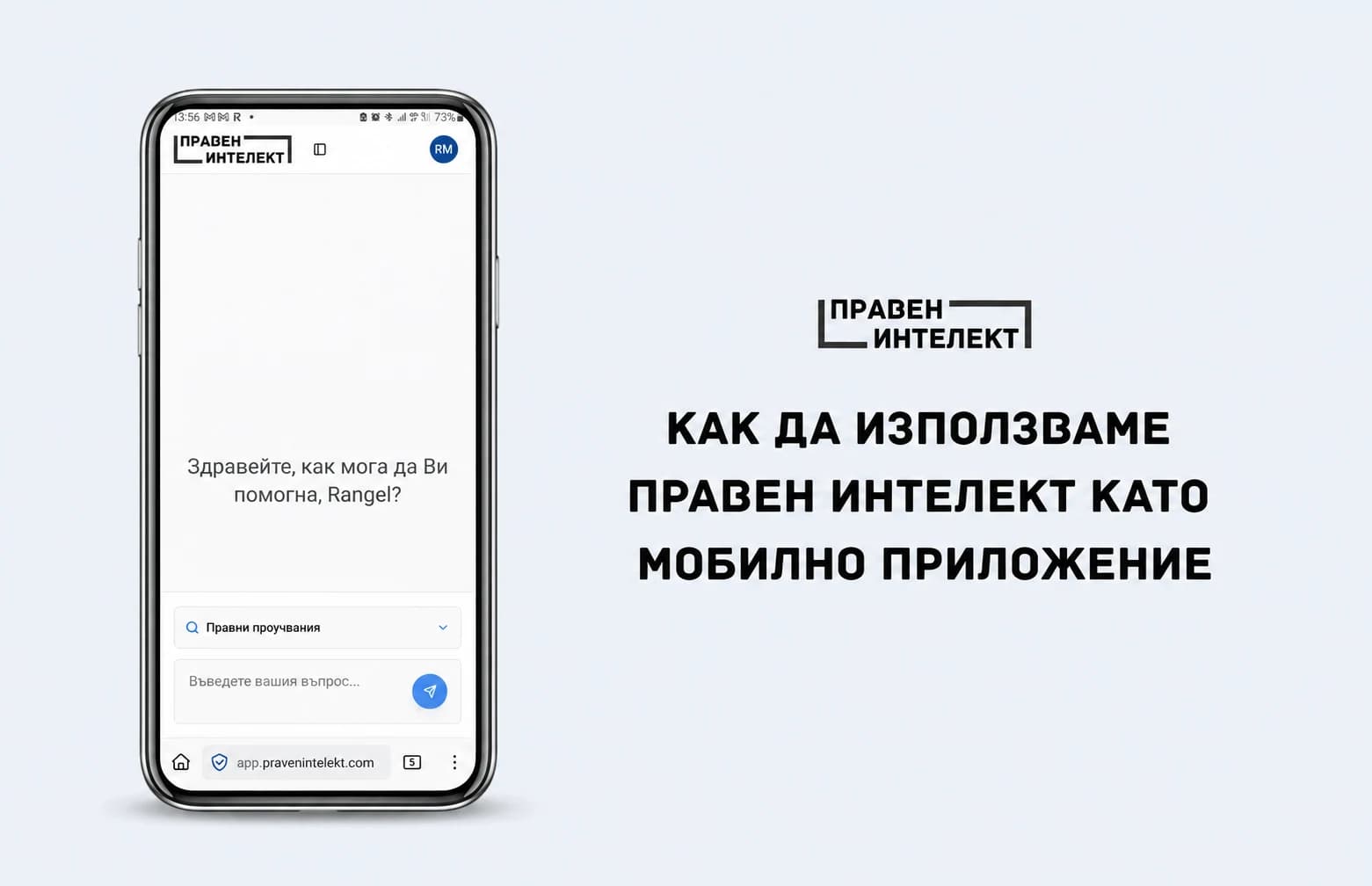
Here is how to put Praven Intelekt just one tap away:
iOS
1. Open Safari and go to app.pravenintelekt.com 2. Tap the share icon ⏍ 3. Scroll down and select Add to Home Screen - your legal queries are now just one tap away. 4. Tap Add and you're done!
Praven Intelekt is now on your home screen, ready to answer your legal questions.
Android / Chrome Browser
-
Open Chrome and go to app.pravenintelekt.com
-
Tap More ⋮
-
Scroll down and select Add to home screen → Create shortcut - your legal queries are now just one tap away.
-
Tap Add and you're done!
Praven Intelekt is now on your home screen, ready to answer your legal questions.


Georgi Hristov